Hobba für die Presse
Alles für einen Artikel über Hobba, auf einer Seite. Fragen und Promo-Codes: hobba@rinn-home.de.
In einem Absatz
Hobba ist eine Aufgaben-App für iPhone, iPad, Mac und Apple Watch, entwickelt von Sebastian Rinn als Einzelentwickler. Sie verbindet Listen, Projekte und ein Kanban-Brett und lebt von einer Geste: Das „+“ wird nicht angetippt, sondern dorthin gezogen, wo die neue Aufgabe stehen soll. Hobba ist gratis; Hobba Pro kostet einmalig 14,99 € — ohne Abo, ohne Konto, ohne Tracking. Der Abgleich läuft über die private iCloud der Nutzerinnen und Nutzer, nicht über einen Server des Entwicklers.
Fakten
- Entwickler
- Sebastian Rinn
- Plattformen
- iPhone und iPad ab iOS/iPadOS 17, Mac ab macOS 14, Apple Watch ab watchOS 10
- Preis
- Gratis; Hobba Pro als einmaliger In-App-Kauf für 14,99 €
- Sprachen
- Deutsch, Englisch, Französisch, Spanisch, Italienisch, Japanisch
- Erschienen
- 30. August 2026 (Version 1.0); was seither dazukam, steht im Changelog
- Datenschutz
- Im App Store: „Keine Daten erfasst“. Kein Konto, keine Werbung, kein Tracking.
- Links
- App Store · hobba.rinn-home.de · Devlog
Was Hobba anders macht
Das Magic +
Neue Aufgaben entstehen dort, wo man das „+“ fallen lässt — zwischen zwei Zeilen, in einem Abschnitt, in einem anderen Projekt. Nach oben gezogen wird ein Projekt zum Favoriten, nach unten gezogen landet es im Papierkorb.
Einmal kaufen
Kein Abo: Hobba betreibt keinen Server, also gibt es keine laufenden Kosten, die ein Abo rechtfertigen müssten. Der Abgleich nutzt die eigene iCloud.
Ruhig statt laut
„Heute“ fragt bei zu vielen Aufgaben einmal am Tag „Zu viel für heute?“, morgens nach den Top 3, abends nach dem Abschluss des Tages. Kein Karma, kein Vergleich.
Apple Intelligence auf dem Gerät
Einen diktierten Satz in mehrere Aufgaben zerlegen, Abschnitte für ein Projekt vorschlagen, eine liegengebliebene Aufgabe in Schritte teilen — alles auf dem Gerät, nichts geht nach draußen.
Überall dabei
Seitenleiste auf dem iPad, Menüleiste und Rechtsklick am Mac, Komplikationen auf der Uhr, Widgets, Siri und Kurzbefehle. Und von Anfang an fürs iPhone Duo angepasst, zugeklappt wie aufgeklappt.
Bilder
- App-Symbol PNG, 512 × 512
- Vorschaubild, deutsch PNG, 1200 × 630
- Vorschaubild, englisch PNG, 1200 × 630

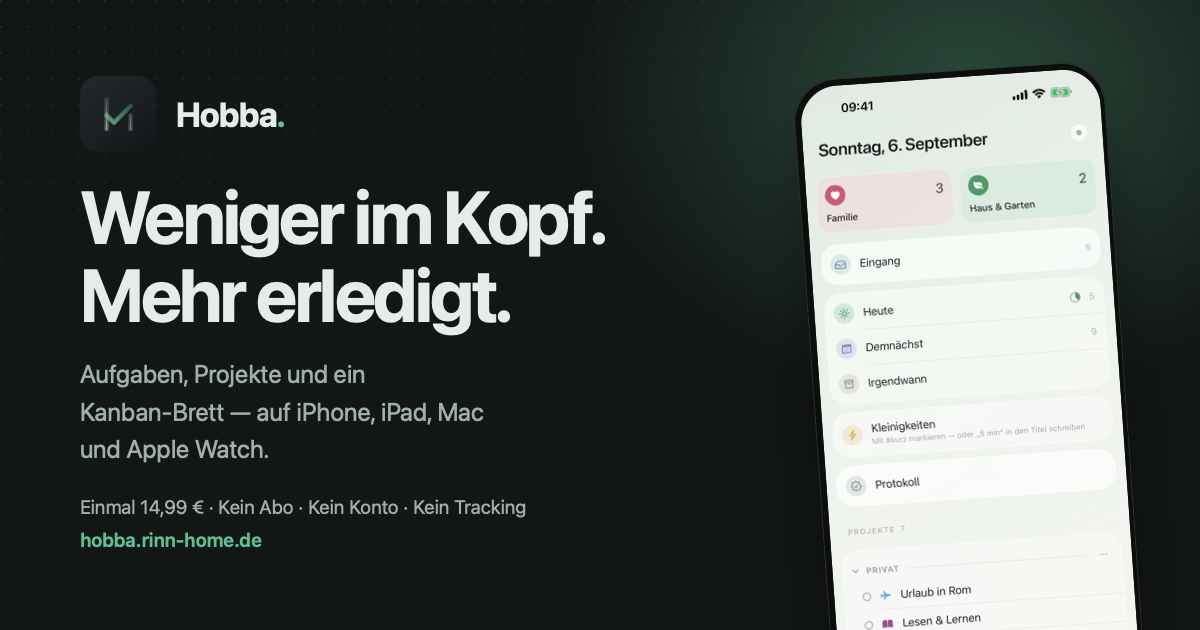
Bildschirmfotos in voller Auflösung zeigt die App-Store-Seite; Rohfassungen und weitere Motive gibt es auf Anfrage.
Kontakt
hobba@rinn-home.de — für Fragen, Interviews und Promo-Codes. Antwort in der Regel innerhalb weniger Tage.
Hobba for the press
Everything for an article about Hobba, on one page. Questions and promo codes: hobba@rinn-home.de.
In one paragraph
Hobba is a task app for iPhone, iPad, Mac and Apple Watch, made by solo developer Sebastian Rinn. It combines lists, projects and a kanban board, and it lives by one gesture: you don’t tap the “+”, you drag it to where the new task belongs. Hobba is free; Hobba Pro is a one-time purchase of €14.99 — no subscription, no account, no tracking. Sync runs through the user’s private iCloud, not through a server of the developer.
Facts
- Developer
- Sebastian Rinn
- Platforms
- iPhone and iPad on iOS/iPadOS 17 or later, Mac on macOS 14 or later, Apple Watch on watchOS 10 or later
- Price
- Free; Hobba Pro as a one-time in-app purchase of €14.99
- Languages
- English, German, French, Spanish, Italian, Japanese
- Released
- 30 August 2026 (version 1.0); everything since is in the changelog
- Privacy
- On the App Store: “Data Not Collected”. No account, no ads, no tracking.
- Links
- App Store · hobba.rinn-home.de · Devlog
What makes Hobba different
The Magic +
New tasks appear where you drop the “+” — between two rows, in a section, in a different project. Drag a project up and it becomes a favourite; drag it down and it goes in the bin.
Buy once
No subscription: Hobba runs no server, so there are no running costs a subscription would have to cover. Sync uses your own iCloud.
Calm, not loud
“Today” asks once a day “Too much for today?” when it fills up, asks for your top 3 in the morning and offers to wrap up the day in the evening. No karma, no comparison.
Apple Intelligence on the device
Split a dictated sentence into several tasks, suggest sections for a project, break a stuck task into steps — all on the device, nothing leaves it.
Everywhere
A sidebar on iPad, menu bar and right-click on the Mac, complications on the Watch, widgets, Siri and Shortcuts. And adapted for iPhone Duo from the start, folded and unfolded.
Images
- App icon PNG, 512 × 512
- Preview card, German PNG, 1200 × 630
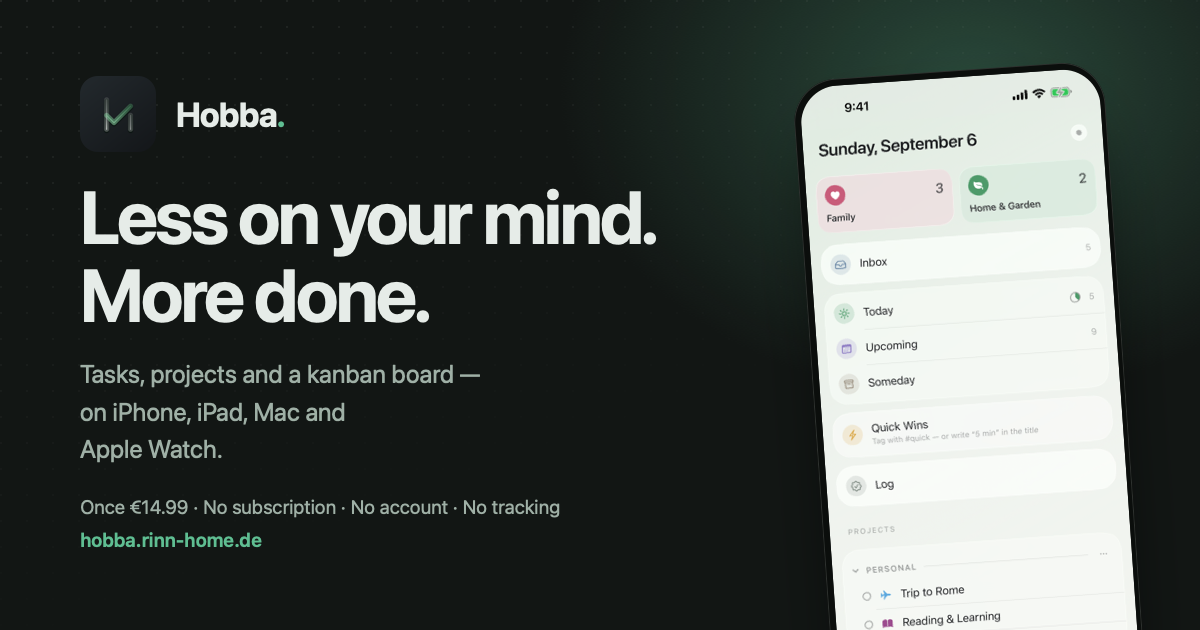
- Preview card, English PNG, 1200 × 630
Full-resolution screenshots are on the App Store page; raw versions and other motifs on request.
Contact
hobba@rinn-home.de — for questions, interviews and promo codes. I usually reply within a few days.